 NEON ABYSS
Neon Abyss Visual Bug Lines
Lines on the screen are a display bug search. They are not the “can't drop down” input problem.
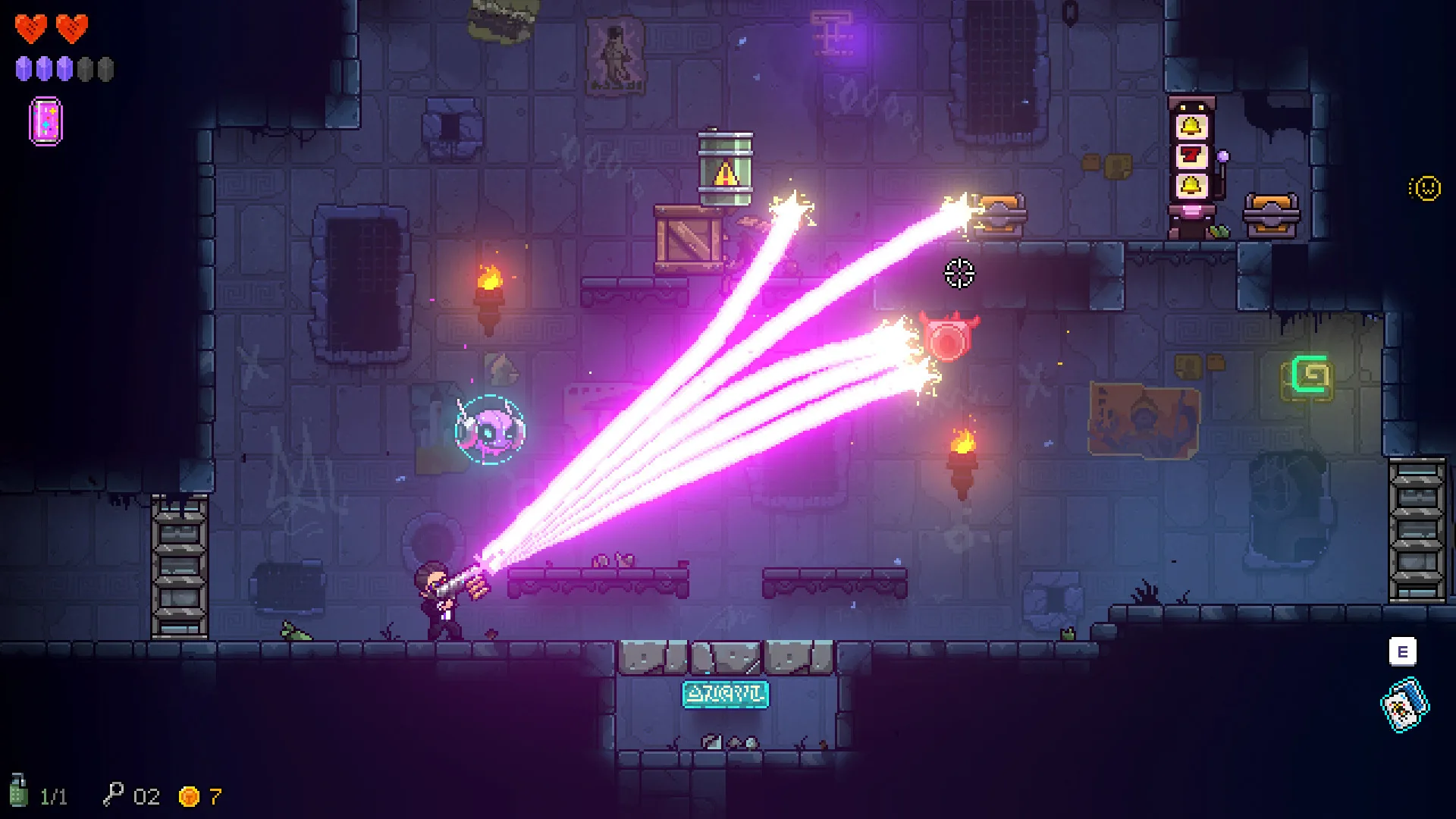
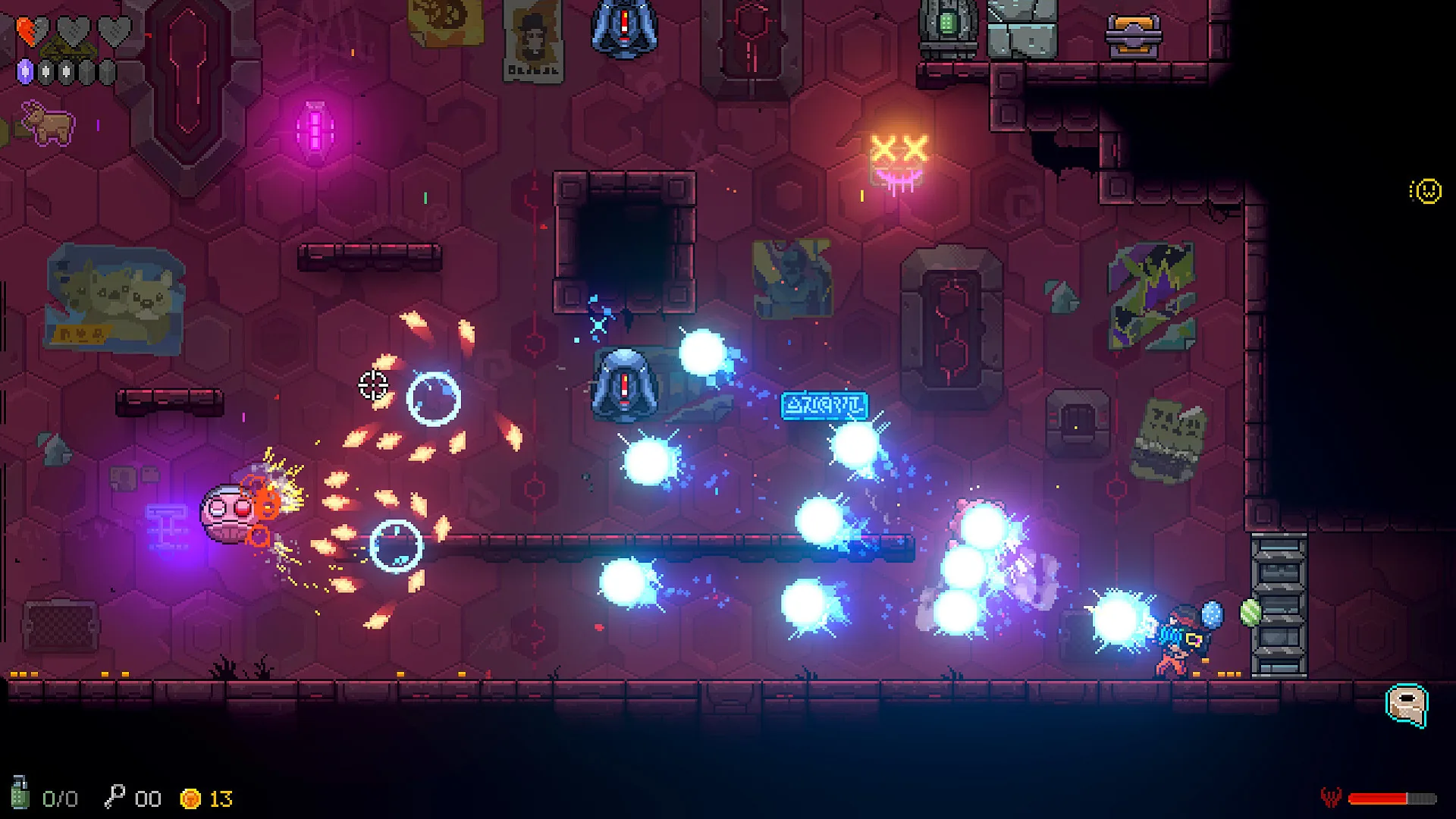
I would try a fullscreen toggle and a resolution change before I reinstall, and I would write down which one cleared the line. I have not seen an official note that says “set this INI key,” so I am not inventing the key.
Checks worth doing
Switch between fullscreen and windowed. Change the resolution one step. If the line is in a screenshot from the capture card but not on the panel, the bug is downstream of the game. I am not linking a config editor.
Reversible Diagnostic Checks
These are diagnostic suggestions, not a proven fix for every report. Keep save files and account state intact.
- Record the build, operating system, display mode and the exact visible symptom.
- Test a single graphics or display-mode change and revert it if it makes no difference.
- Compare a game screenshot with a photo of the monitor; a mismatch suggests the display/capture path needs checking.
- Restart normally after preserving progress and retest the same room.
- Do not delete a save or copy an unverified config folder. Send reproducible details to the game support channel.
Questions this page answers
What is the line bug?
Players report lines drawn across the playfield. It is a rendering complaint, not a room mechanic.
Which setting fixes it?
No single official toggle was in the notes I checked on 14 October 2026. Test fullscreen and resolution, then stop if the line remains.
Keep going
Sources
- Steam: Neon Abyss — Store page, app 788100, checked 2026-10-14.