 NEON ABYSS
Neon Abyss 2 Troubleshooting
Some bug searches have an official fix list. Others only have forum threads. This page separates those two piles.
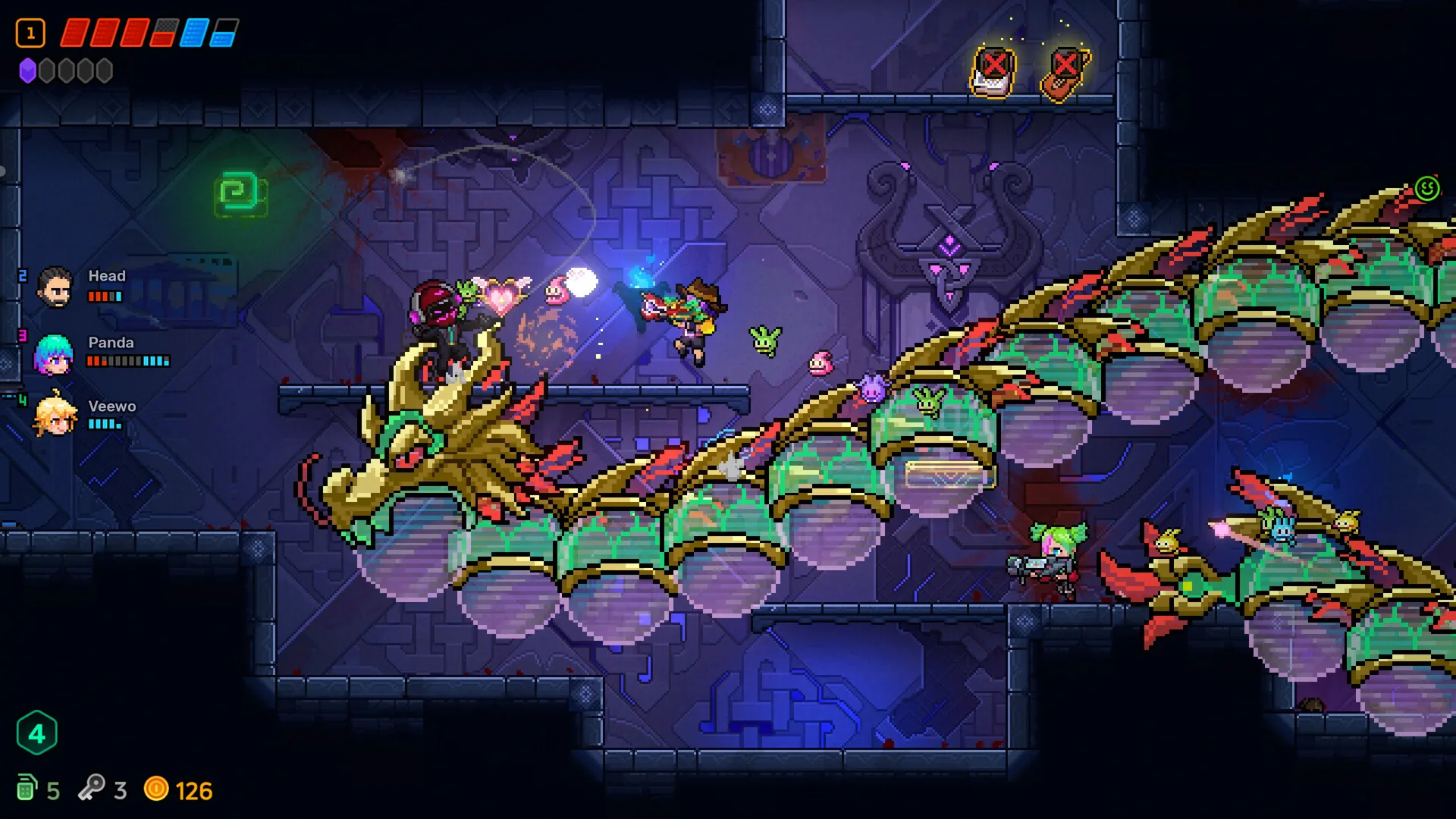
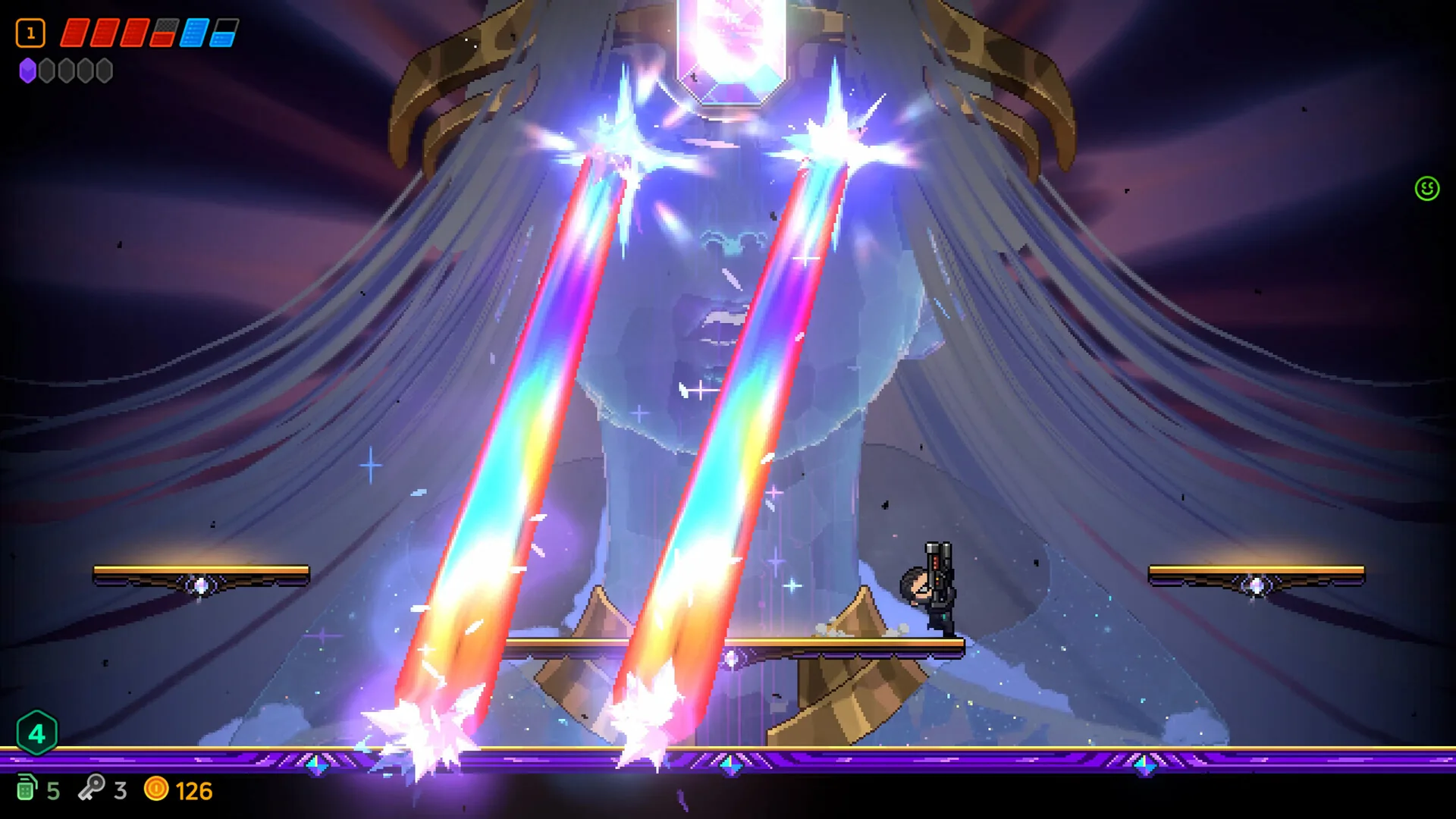
The 8 October 2026 1.0 notes are newer than the June fixes. They explicitly cover personal saves, backup consistency, blocked controls and graphics settings. They do not prove every present-day symptom is resolved.
Official 1.0 fixes
Veewo reports fixes for movement staying locked after continuing a run, co-op progress leaking into personal saves, incorrect solo-save clearing, and corrupted-save recovery. Backup and restore handling now keeps the main save and progression data together.
PC graphics quality and frame rate can be set independently: Medium/High quality, 60/120/uncapped frame rates, and VSync according to the display. The notes fix graphics-quality changes overriding the chosen frame rate and one-frame offsets in graphics and prompts. These are published options, not a guaranteed cure for every stutter or cursor complaint.
- Before testing, preserve saves and record your platform, branch, settings and exact symptoms. Do not delete or replace saves using an unverified folder path.
- The June 26 black-screen fix specifically concerned switching from multiplayer to single-player without disconnecting from the relay server. It is not a diagnosis of every co-op black screen.
- The July 30 announcement replaced in-game chat with preset emotes; missing chat alone does not indicate a broken installation.
Reversible Diagnostic Checks
These are diagnostic suggestions, not a proven fix for every report. Keep save files and account state intact.
- Record the build, operating system, display mode and the exact visible symptom.
- Test a single graphics or display-mode change and revert it if it makes no difference.
- Compare a game screenshot with a photo of the monitor; a mismatch suggests the display/capture path needs checking.
- Restart normally after preserving progress and retest the same room.
- Do not delete a save or copy an unverified config folder. Send reproducible details to the game support channel.
Documented 1.0 Settings
PC graphics quality and frame rate can be selected independently: Medium/High and 60/120/uncapped. These are official options to compare, not proof that an uncapped frame rate cures cursor lock. The announcement also documents save recovery and continuation fixes, but no manual transfer path is established here.
Match the Symptom Before Applying a Historical Fix
The July 18, 2025 first patch addresses then-current stuttering and flight-state stuttering. It is not a promise that every 1.0 cursor or frame-pacing complaint is fixed.
| Search / symptom | Scoped diagnostic answer |
|---|---|
| Stutter | Record the build and scene; compare the published frame-rate and graphics options one at a time |
| Cursor locked to 60 FPS | No verified dedicated fix here; distinguish pointer behavior from the game’s frame-rate setting |
| Save transfer / config path | No verified manual path or transfer recipe here; do not delete, replace or move an assumed directory |
| Co-op black screen | The June 26 note concerns switching from multiplayer to solo without relay disconnection, not every black-screen cause |
| Report a repeatable failure | The first patch directs players to the in-game Submit Bugs feature or official Discord; include build, platform, steps and symptoms, not credentials |
Questions this page answers
Why did co-op go black?
The 26 June 2026 notes describe a relay disconnection bug during the switch from multiplayer to single-player. The newer 1.0 notes address additional host-disconnect and transition problems; compare the exact symptom before assuming the same cause.
Where is the config file?
No official path was independently verified on 14 October 2026. Do not guess an AppData or Steam userdata location or remove files without a backup.
Keep going
Sources
- Veewo official Steam news API — Full 1.0 (2026-10-08), chat (2026-07-30), and Patch Notes 6.26 texts checked 2026-10-14.
- Steam news 2235200 — Publisher announcement index.
- Veewo: Available Now in 1.0 — A: official 1.0 announcement; mechanics, sets and Wonder Blocks.
- Veewo: first sequel patch — A: Published 2025-07-18; historical stutter fixes and in-game Submit Bugs; source checked 2026-10-14. Not an in-game test.
- Veewo: Patch Notes 6.26 — A: Published 2026-06-26; Fate display, mode saves and relay-disconnect fixes; source checked 2026-10-14. Not an in-game test.